
Instrument Support
From training to tech support, our responsive team of experts is ready to help you improve productivity and achieve success in laboratory.

LECOLearn
Your LECO instruments are powerful tools, but if you’re unsure how to use some features, you aren’t getting the full benefit of your investment. LECOLearn is our online, on-demand training site to help you maximize your laboratory. LECOLearn is included free-of-charge as part of our ongoing support past the sale of instruments and software.
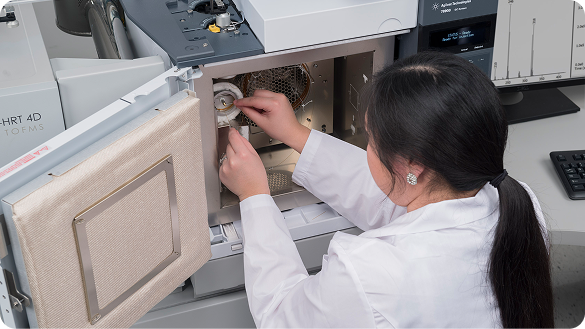
Instrument Service
Support is available at your facility or ours, by phone, online, or through our SmartLine Remote Diagnostics system, available on most of our instruments.
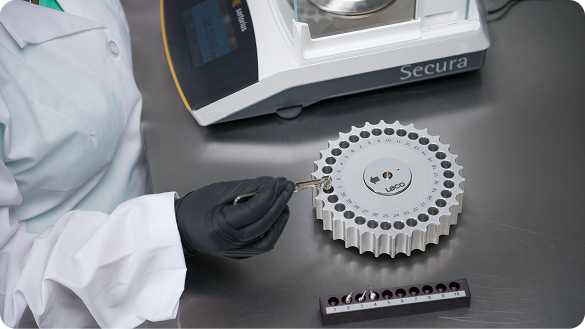
Instrument Resources
Accreditations, Application notes, Approved Methods, Compliance, Reference Cards, SDS, Compliance, Posters and Presentations.


LECO’s Pillars of Support
Our comprehensive laboratory instrument service program combines years of expertise, innovative technology, on-site service, and ongoing maintenance plans to minimize costly downtime for your equipment.
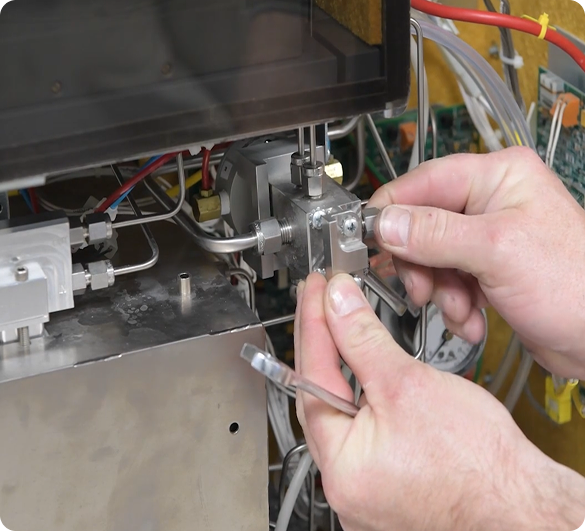
Uninterrupted Operation
Our maintenance plans are built around your requirements, ensuring smooth operations with full coverage for labor and travel. Plus, you have the option to include spare parts for complete peace of mind.
Tab heading for Tab 2
Tab content for tab 2
Tab heading for Tab 3
Tab content for Tab 3
Prevent Issues Before They Impact Analyses
When you partner with LECO, you gain more than precision instruments—you secure a pathway to continuous analytical excellence, backed by experts dedicated to empowering you at every step. Our commitment to you never expires.


Global, Yet Local
Take control of your laboratory’s efficiency with Preventive Maintenance Plans that identify and address potential issues before they affect your results. Enhance your team’s capabilities through flexible training options—in-person at specialized training centers around the world, virtually from the comfort of your lab, or during personalized set-up sessions.
Frequently Asked Questions
At any point during the life of your LECO Instrument, please contact us for support or guidance.
 English
  Spanish
  Japanese